
Your Cleetus workspace
In ordinary VS Code, run Cleetus: Open Workspace for the extension interface below. In the unreleased native IDE development app, run Cleetus: Open Studio for Agent Command, Teams, Tasks, Workflows, Review & Ship, and embedded Design. The IDE guide explains task acceptance, isolated worktrees, workflow runs, and the current release status.
The shared sidebar connects Conversation, Agents & Teams, Workflows, Work tracking, Tools, Memory & Rules, Settings, and Design. Design stays in the same workspace; a second tab is an explicit choice.
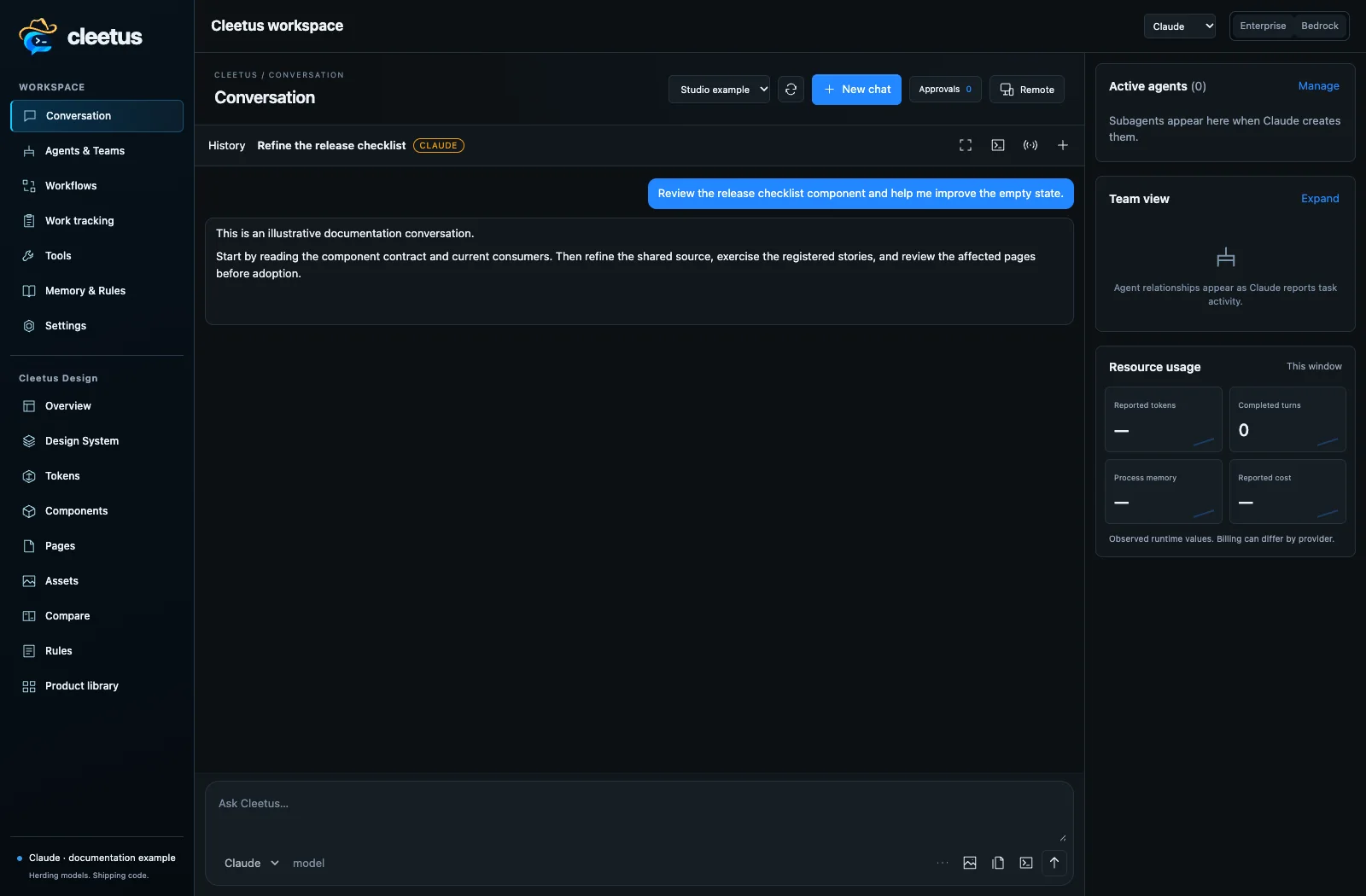
Conversations and history
Choose Claude or Codex, an available model, effort and permission mode. Models come from engine capabilities rather than free-form names; catalogs distinguish their engine/backend. Attach files, selections, images or editor context, then send a focused request.
Inspect actual tool requests and proposed diffs. Permissions may come from session rules, native engine modes, hooks or an explicit approval card. Stop interrupts execution; it does not undo earlier writes. Review the result and validate the changed project.
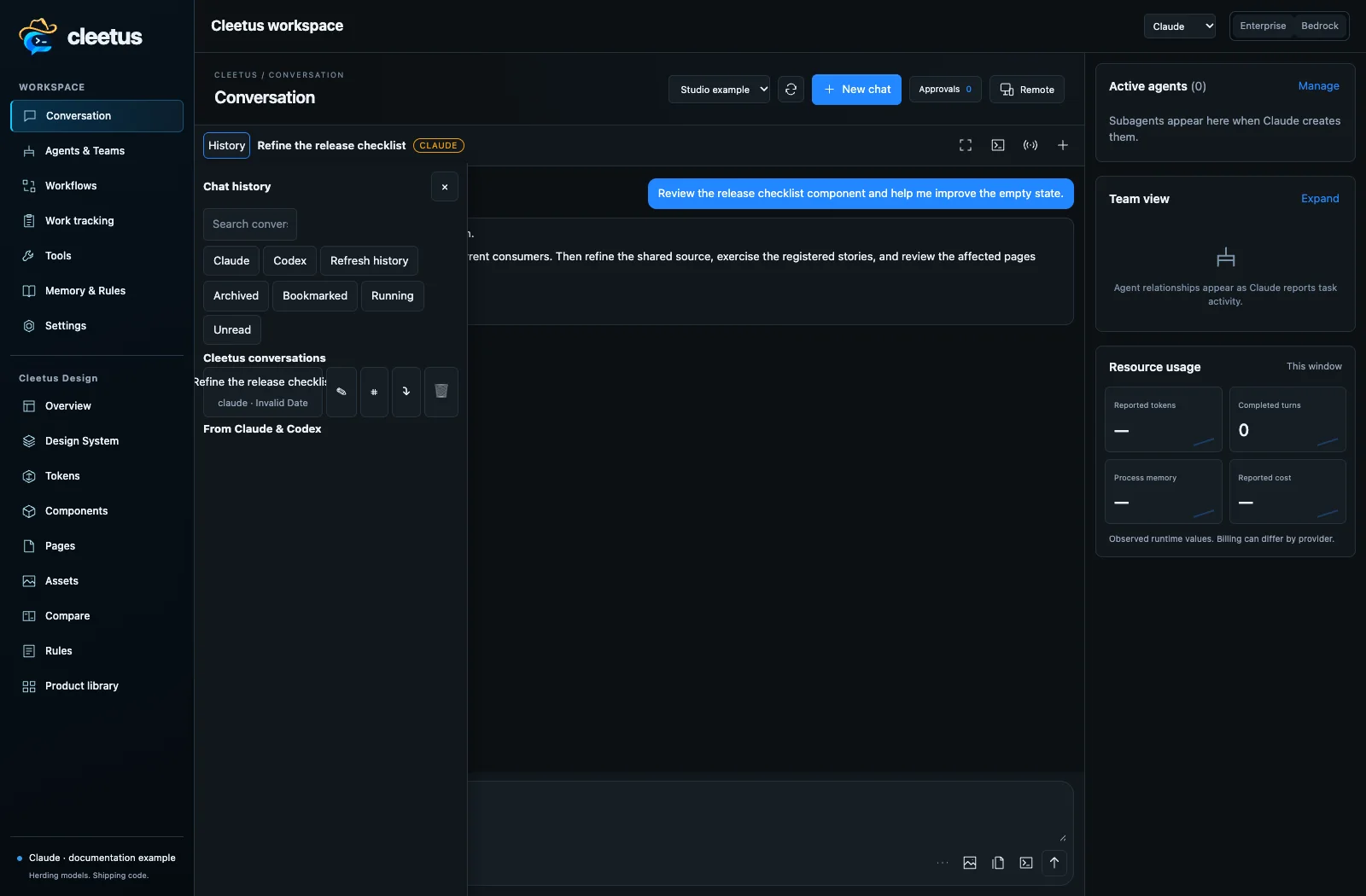
Open History to find and resume earlier conversations, with engine/native identity retained where supported. Sessions support search, grouping, archive and export. A stored transcript is not a resumed local process, and changing engines does not move a native session between vendors.
Pick the right workflow
Use one conversation for a bounded task, a workflow recipe for a reusable request, or a prebuilt team for explicit roles and handoffs. Use Design to inspect/refine reusable components and pages before asking agents to adopt changes.
In native Studio, a saved goal/task has its own acceptance criteria and review state. Run task asks for approval; a report moves work to review, and only your Approve result decision completes it. Check the working directory before execution—creating an owned worktree does not automatically redirect a primary-project task into it.
Studio workflow definitions describe supported actions and dependencies; runs record actual execution and journals. They are separate from the extension's lighter conversation recipes. Saving a definition does not run it, and restarting does not replay interrupted side effects. The Recipes catalog creates saved DAGs without launching them; Automation configures explicitly approved intervals or named events and displays dispatch receipts. Workflow and automation guide
Work tracking can prepare a conversation or team with source issue details and acceptance criteria. Preparing a draft does not send it or start agents. Tools controls MCP and developer tooling. Memory & Rules keeps project/user instructions close to the work.
Storage and settings
Cleetus stores its profile separately from your repository, normally under ~/.cleetus/profile. Settings → Storage shows the actual location. Project design artifacts remain in the project's design/ folder. Native runtime credentials retain their storage behavior.
Stop work before moving/backing up a profile. Account tokens and native secure storage are not portable merely by copying profile files. Provider/environment changes may require a reconnect or reload. Keep private transcripts, credentials and job records out of public repositories.