
Tasks
Tasks turn "go do this" into work you can audit. Each goal or task has acceptance criteria, an owner, an execution record and a report, and it's complete only when you approve the result.
The lifecycle
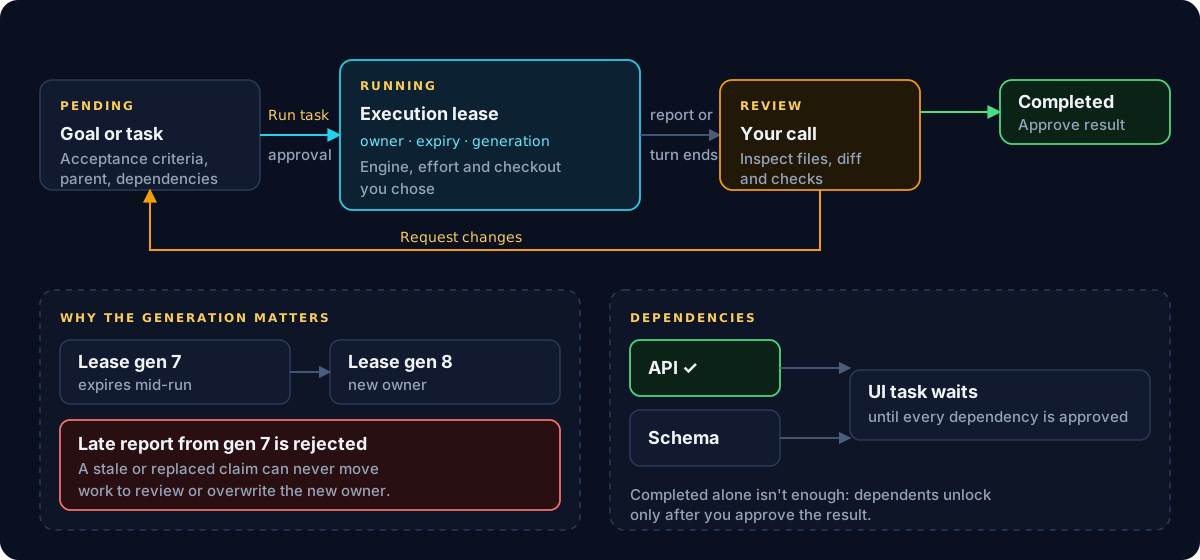
| State | Means | Moves on when |
|---|---|---|
| Pending | Recorded, with criteria and dependencies | You choose Run task and approve it |
| Running | An engine is working under an execution lease | The agent reports, or its turn ends |
| Review | Work is waiting for your decision | You choose Approve result or Request changes |
| Completed | You approved the result | — |
Request changes sends the task back to pending with your reason recorded, ready to run again. Completion is always your decision: Cleetus never marks work done because a turn ended or checks passed.
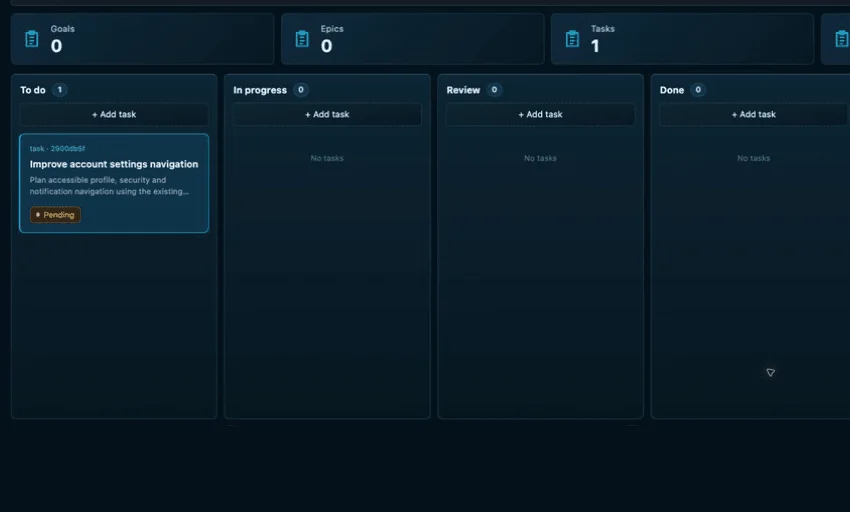
Create and run a task
- + New goal or + New task. Give it a title, description, acceptance criteria and a parent goal if it belongs to one.
- Select the card. The inspector shows ownership, execution and report.
- For a pending task, choose the engine and model, the effort and the working directory, then Run task and review the approval.
- Follow the execution receipt. Stop execution interrupts the agent if needed.
- When it reaches review, inspect the actual files, diff and checks before deciding.
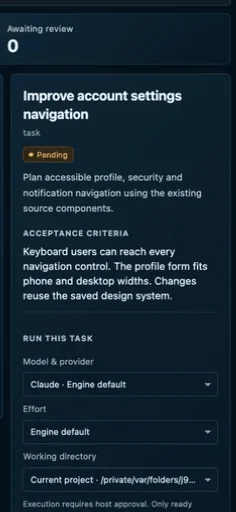
The working directory list holds your project plus any ready owned worktrees associated with this task. Creating a worktree doesn't redirect a task by itself; you pick it when you run.
Execution leases and fencing
Ownership is a lease with an owner, an expiry and a fencing generation: a number that goes up every time ownership changes hands.
When a lease expires or is replaced, the new owner gets a higher generation. A late report from the old one carries a stale generation and is rejected, so a slow or zombie agent can never move work to review or overwrite the current owner. The same rule protects tracker claims.
Dependencies
A task can depend on others. It can't be claimed until every dependency is completed and approved; a finished but unreviewed dependency still blocks. This keeps a team from building on work nobody has checked.
Tasks from other places
- Agent Command saves your goal and a linked execution task before running.
- Work tracking can prepare a task brief from a GitHub or Jira issue. See Work tracking.
- LAN collaboration imports approved proposals as pending tasks with external provenance. See Encrypted LAN collaboration.
Tasks always belong to the primary project's board, even when the run uses a worktree. Concurrent edits are revision-checked: if the board changed since you loaded it, your stale action is rejected instead of silently applied.